Online Science Lessons for Google Classroom
Every science teaching pack for grades 3 to 8 also comes as an online lesson: slides to present, then reading, labeling, practice, a crossword and a quiz that students tap through on a Chromebook. Plus a self-grading Google Forms quiz for your gradebook. No logins, nothing to install.
1. Share a partEach part is its own link with a Share to Classroom button. Assign one a day, or all of them.
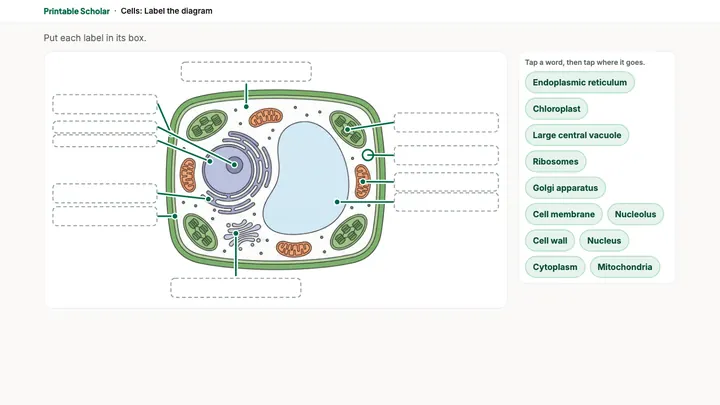
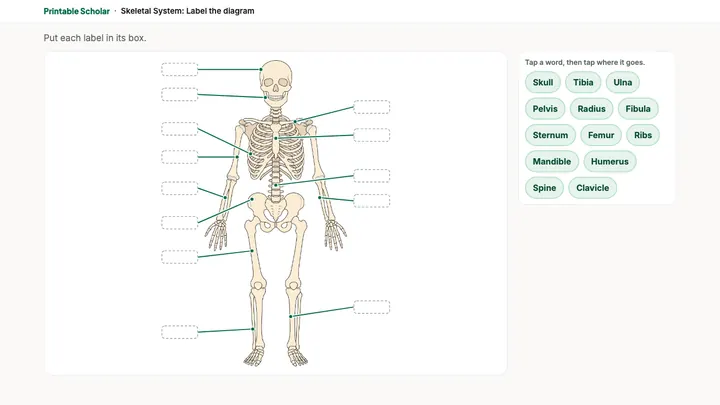
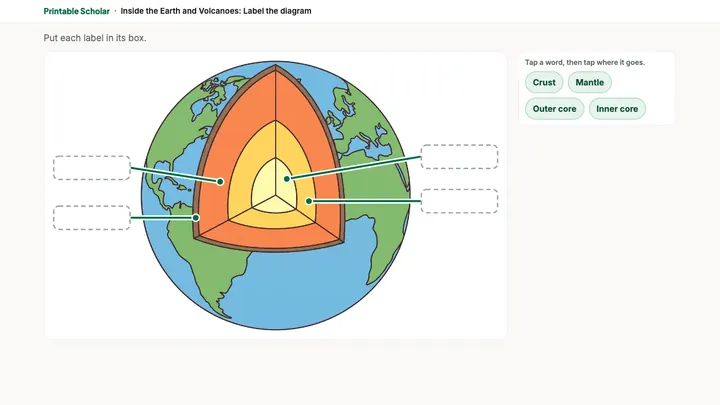
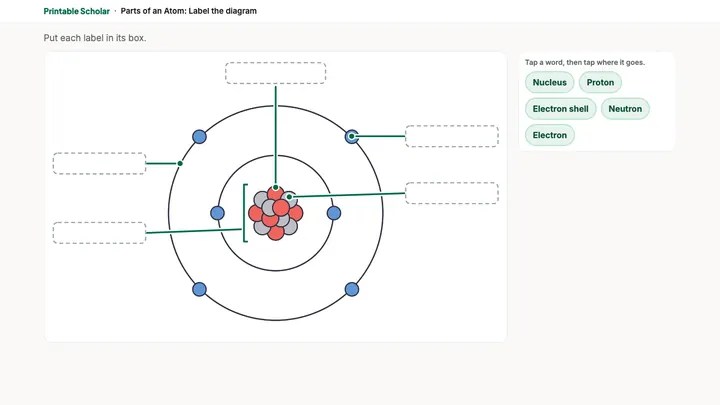
2. Students tap throughThey tap a word and tap where it goes, type answers and check them. Mistakes show right away.
3. They hand in a cardEach part ends with a card: name, score and tries. The quiz is also a Google Form that grades itself.
Try one free
These 4 lessons are free, the whole lesson. Open one and click through it as a student would.
Frequently Asked Questions
Do students need an account?
No. Students open the link and start. There are no logins, and nothing about a student is saved or sent anywhere. Each part ends with a card showing their name, score and number of tries, which they attach to the assignment.
Does it work with Google Classroom?
Yes. Each part of a lesson has a Share to Classroom button that makes it an assignment. The graded quiz is a Google Form: make a copy, attach it to a Quiz assignment and turn on grade importing, and scores go into your gradebook.
What devices does it run on?
Any web browser, sized first for school Chromebooks. Students tap a word and then tap where it goes, so a trackpad or a touchscreen both work. Nothing to install.
How do I get the lessons?
Every science teaching pack for grades 3 to 8 includes its online lesson. Buy a pack ($7) or a bundle, and the lesson links are on your download page. The 4 lessons above are free.
Can I still print?
Yes. The lesson is the same pack as the printables, so you can use paper on one day and screens on another.
 Printable Scholar